

The three ways SaaS companies handle billing (and when each one breaks)
Most SaaS companies go through the same billing evolution. Here's an honest look at the three options, what works about each, and where they fall apart.
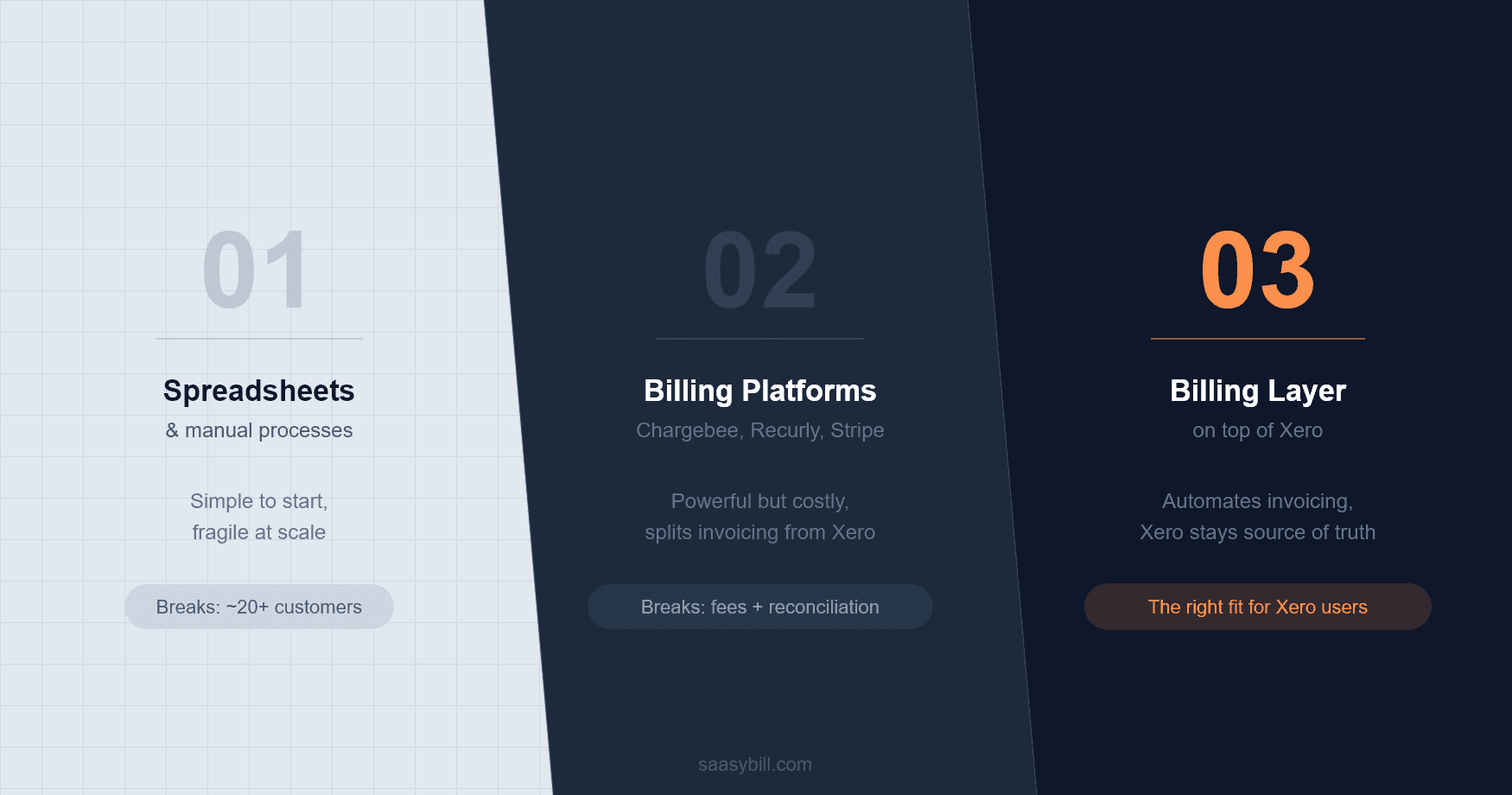
At some point in building a SaaS company, billing stops being a simple task and starts being a real problem. It usually happens gradually. You add a few more customers, introduce a second pricing plan, have someone upgrade mid-month, and suddenly the process that used to take 20 minutes is taking most of a day and still feels risky.
When that happens, most founders look at the same three options. Each one is a reasonable choice at the right stage. Each one also has a point where it stops working.
Option 1: Spreadsheets and manual processes
This is where almost every SaaS company starts, and there is nothing wrong with it early on. A spreadsheet tracking who is on which plan, when they renew, and what they owe is easy to build, free to run, and perfectly adequate when you have 10 or 15 customers on a single plan.
The problems start when the list gets longer and the plans get more complex. Proration for mid-cycle changes has to be calculated manually. Renewal dates drift. Someone goes on leave and the person covering does not fully understand how the spreadsheet works. An invoice goes out with the wrong amount and you find out when the customer emails you.
The spreadsheet becomes what one of our customers described as "load-bearing infrastructure", something nobody wants to touch because everyone knows it is one mistake away from causing a problem. That is a bad place for a system that directly affects your revenue and your customer experience.
If you are still at this stage and want a more structured starting point, we put together a free billing spreadsheet template that covers subscription tracking, proration calculation, and renewal alerts.
Option 2: A full billing platform
The obvious fix is to bring in a dedicated billing tool. Chargebee, Recurly, Stripe Billing: these are mature products that handle subscription complexity well. If you are running a large operation with hundreds of customers, complex pricing models, and a team to manage the implementation, they make sense.
The trade-off that is less obvious until you are already in it: these platforms want to own your invoicing. That is how their model works. They handle the billing, take a percentage of revenue processed through their system, and send data back to your accounting software. For businesses on Xero, this creates a split. Your invoicing lives in the billing platform. Your accounting lives in Xero. The two systems need to talk to each other, and the data that comes back to Xero is often incomplete enough to cause reconciliation problems.
You end up paying a percentage of your revenue to a platform for the privilege of making your accounting setup more complicated. At scale, that trade-off can make sense. For a SaaS company with 50 or 100 customers, it usually does not.
Option 3: A billing layer on top of your accounting software
The third option is less well known, but it is the one that fits best for SaaS companies in the middle stage. Instead of moving invoicing out of Xero, you add a layer that handles the subscription logic and pushes invoices directly into Xero at each billing event.
Your accountant never loses visibility. Xero stays as the source of truth. Proration, mid-cycle changes, and renewals are handled automatically, with the correct invoice landing in Xero without manual work. There are no transaction fees, because you are not processing payments through a separate system, you are just automating the invoice generation that would otherwise happen manually.
This approach does not make sense at five customers. It makes a lot of sense at 20, and even more sense at 100.
The pattern
Most SaaS companies follow the same path. Spreadsheets work until they are too risky to rely on. Full billing platforms solve the complexity problem but create a different one. A billing layer addresses the actual gap: the subscription logic that Xero cannot handle natively, without taking over the invoicing that Xero already does well. Knowing where you are in that progression is worth figuring out before the problem forces the decision. If you are at the spreadsheet stage and want something more structured, download the free billing template. If you are ready to move off spreadsheets entirely, Saasybill is the billing layer built for Xero.
Start billing automatically in minutes.
Connect Xero, set up your plans, and have your first subscription running today. Every invoice lands directly in Xero.